Contact Support
Have a question, found a bug, or want to suggest a feature? Reach out and we'll get back to you as soon as possible.
Email: Nealtandon@hotmail.com
Screenshots
On iPhone
On iPad
Frequently Asked Questions
How do I add a wine?
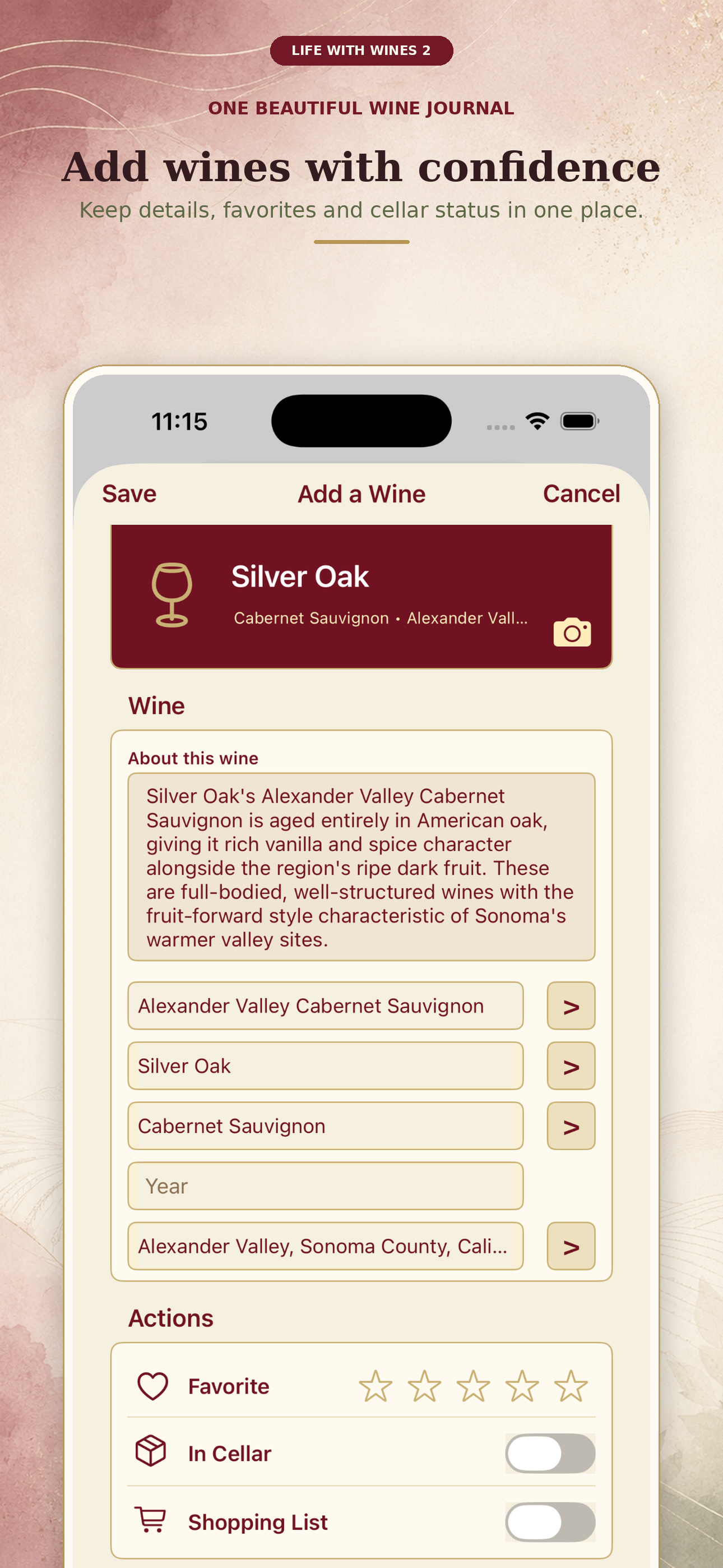
From the Home screen, tap Wines and use the add button. Start typing the wine's name and pick from the suggested selections that appear. Once you make a selection, the app fills in a wine card with details like the region, varietal, and a short description. You can adjust anything, add your own notes and a rating, and mark the wine as a Favorite, add it to your Cellar, or drop it on your Shopping List right from the card.
How do I mark a wine as a favorite?
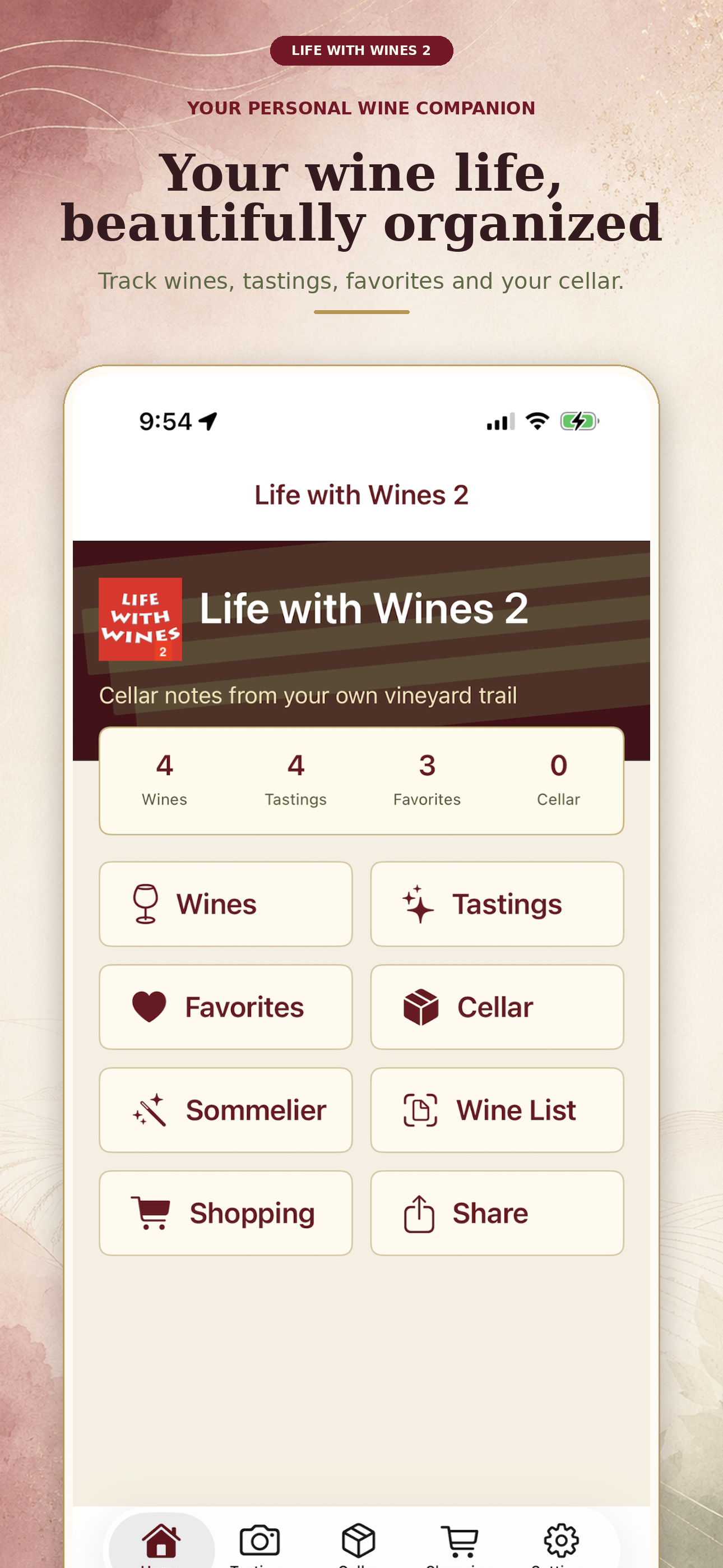
Open a wine's detail page and tap the heart icon. It will then appear under the Favorites tab on the Home screen.
How does Cellar tracking work?
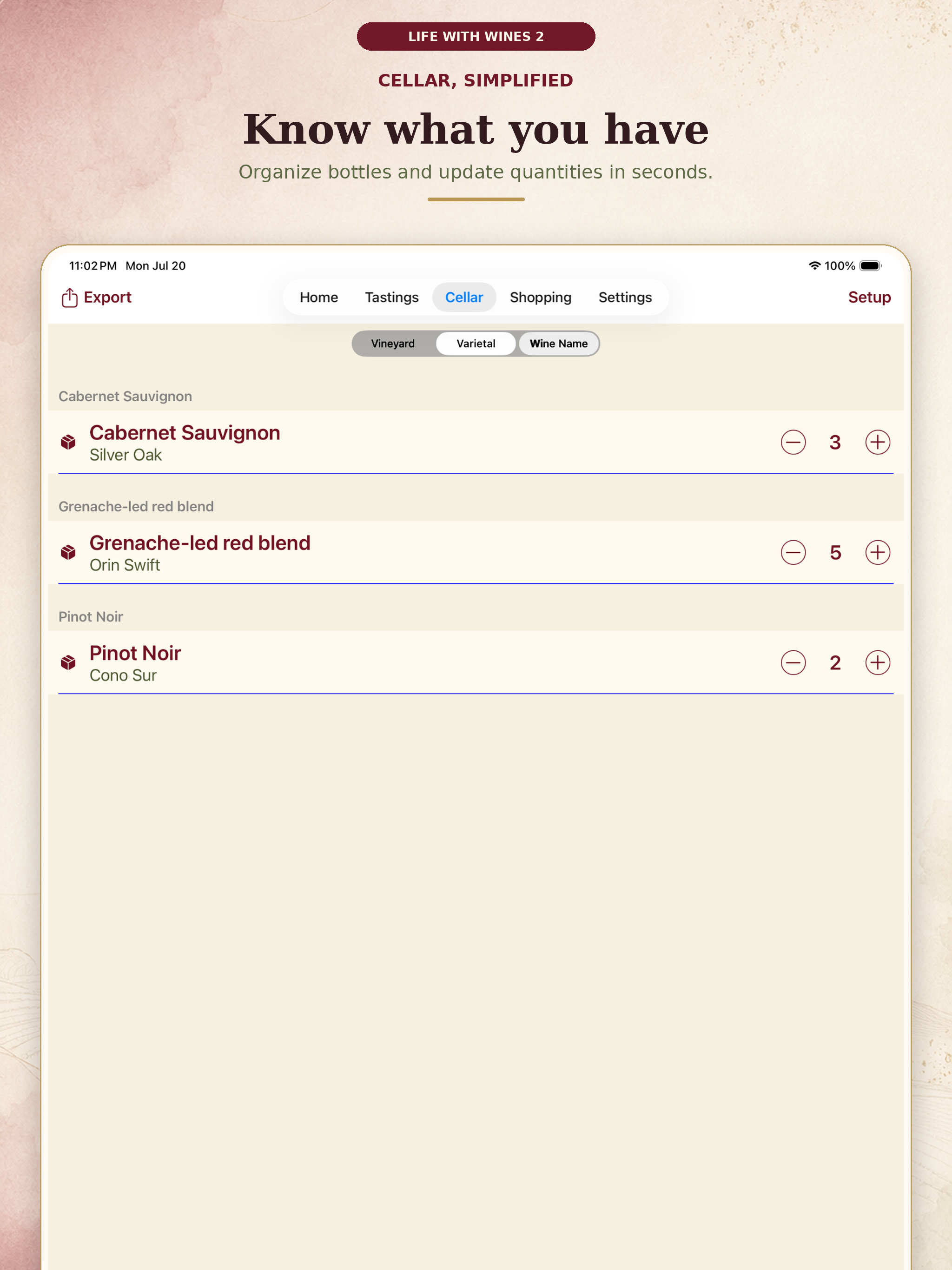
The Cellar section keeps track of the bottles you currently own, separate from your general wine notes and tasting history. Use the + and − steppers next to each wine to update quantities in seconds.
How do I set up my Cellar?
Tap Setup in the Cellar. You'll first choose whether to Empty & Start Fresh or Add to Existing so you don't lose bottles you've already entered. From there you can add bottles by scanning their labels with the bar code scanner — the app looks up the wine and asks you to confirm the match — or Enter Manually if a label isn't recognized. For each wine you set how many bottles you have.
How do I record a tasting?
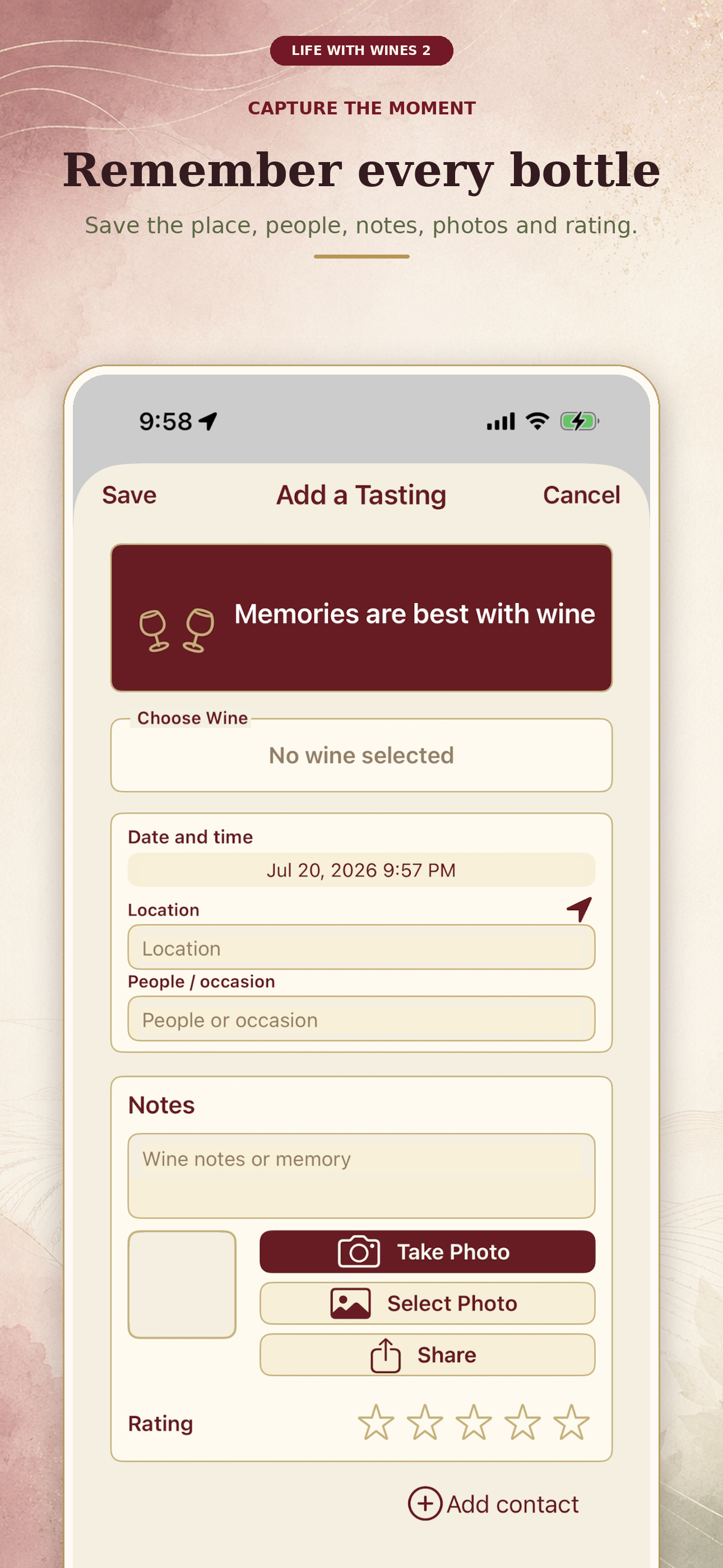
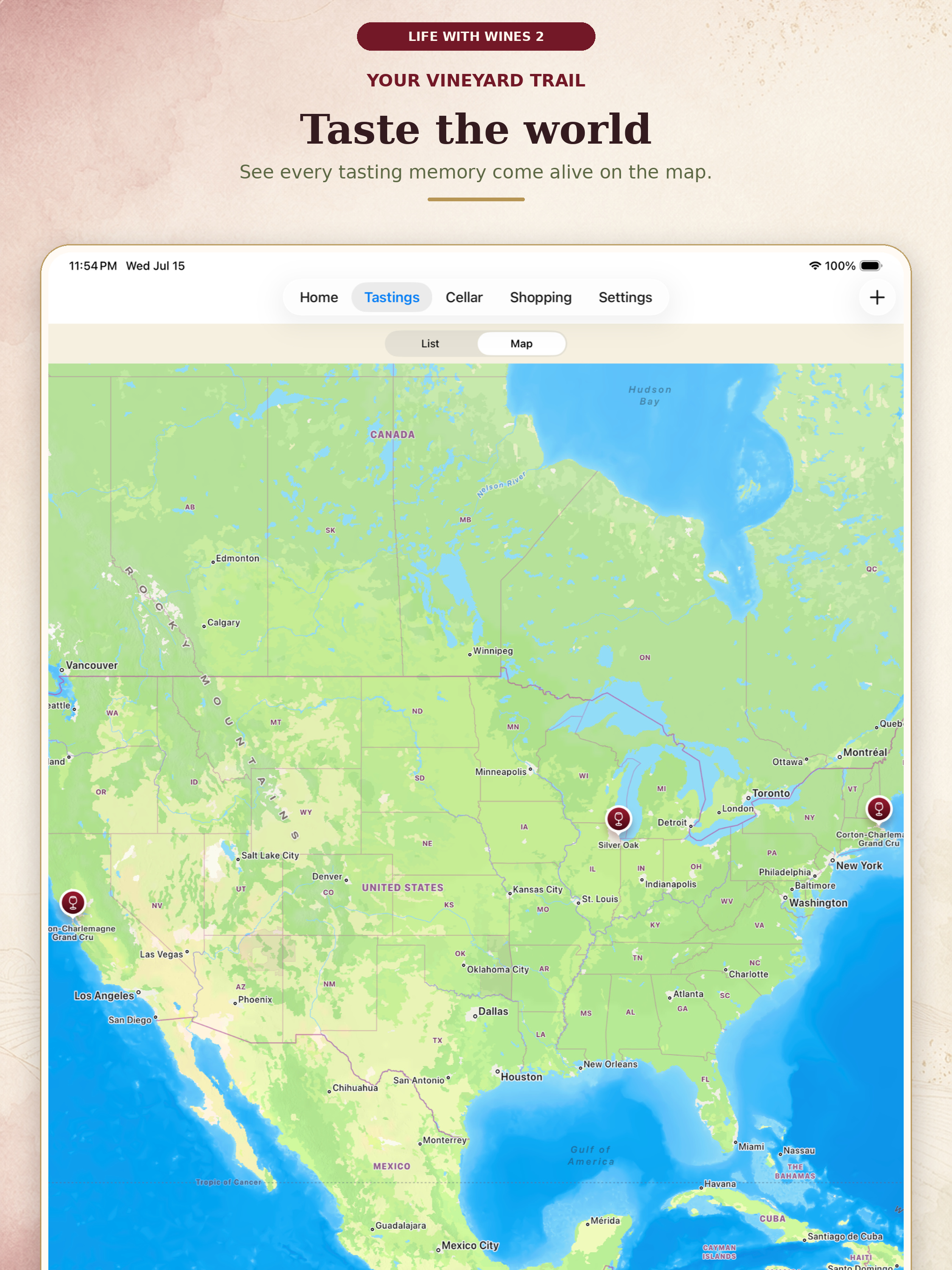
Tap Tastings from the Home screen or tab bar, then add a new tasting. Start by tapping Choose Wine to pick a wine — the app then shows a short wine profile ("About this wine") for it. Fill in the date, location, and who you were with, add your notes and a star rating, and attach a photo with Take Photo or Select Photo. If you only jot a few words like "cherry, oaky, dry," the built-in note helper can turn them into a fuller tasting note. You can browse your tastings as a List or see them on the Map.
How does Wine List work?
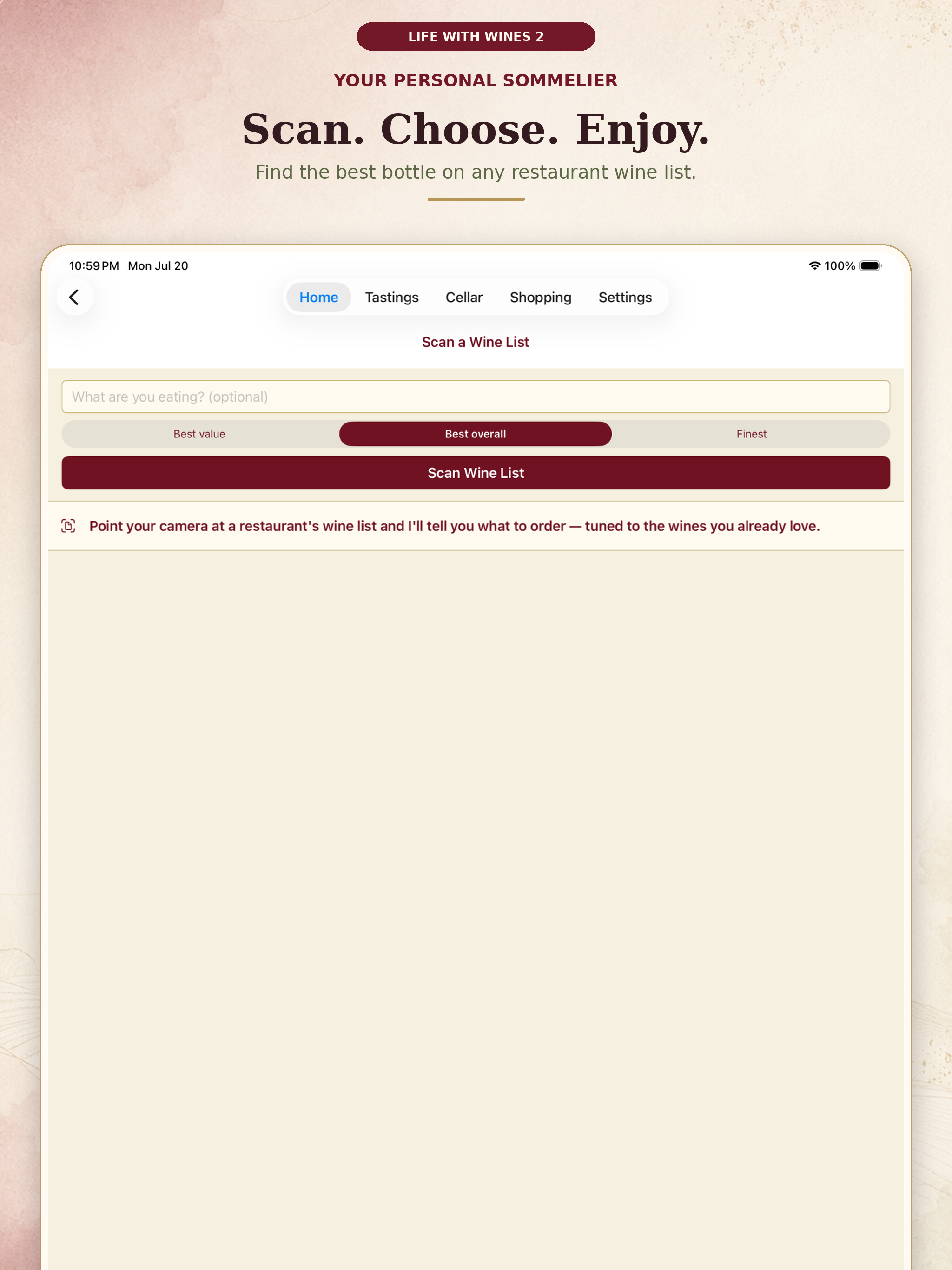
Open Wine List from the Home screen and tap Scan Wine List to take a photo of a restaurant's wine list (or choose one from your library). The app reads the list and recommends the best bottles to order. Analyzing a list can take about 20–30 seconds depending on how many wines are on the page you captured, so give it a moment after scanning. For best results, capture a clear, well-lit photo of a single page.
What is the AI Sommelier?
The AI Sommelier answers questions about your own cellar. Open Sommelier from the Home screen and ask things like "What should I open with salmon tonight?", "Pick something for a dinner party," or "What's ready to drink now?" It reads the wines you own and suggests bottles from your collection. You get a few free questions to try it out; after that, a one-time in-app purchase unlocks unlimited questions.
How do I share my wines with friends?
There are a few ways to share from the app. Tap Share on a tasting to create a nice tasting card — an image showing the wine, who you were with, and your rating — that you can send through Messages, email, or social apps. You can also share your Favorites so friends can see the wines you love. And the Share button on the Home screen lets you show off how far you've come — it posts a quick note with how many wines and tastings you've logged, along with a link so friends can get the app too.
How do I delete my data?
You can remove individual wines, tastings, or cellar entries directly within the app. To request full deletion of any data associated with your account, email us at the address above.